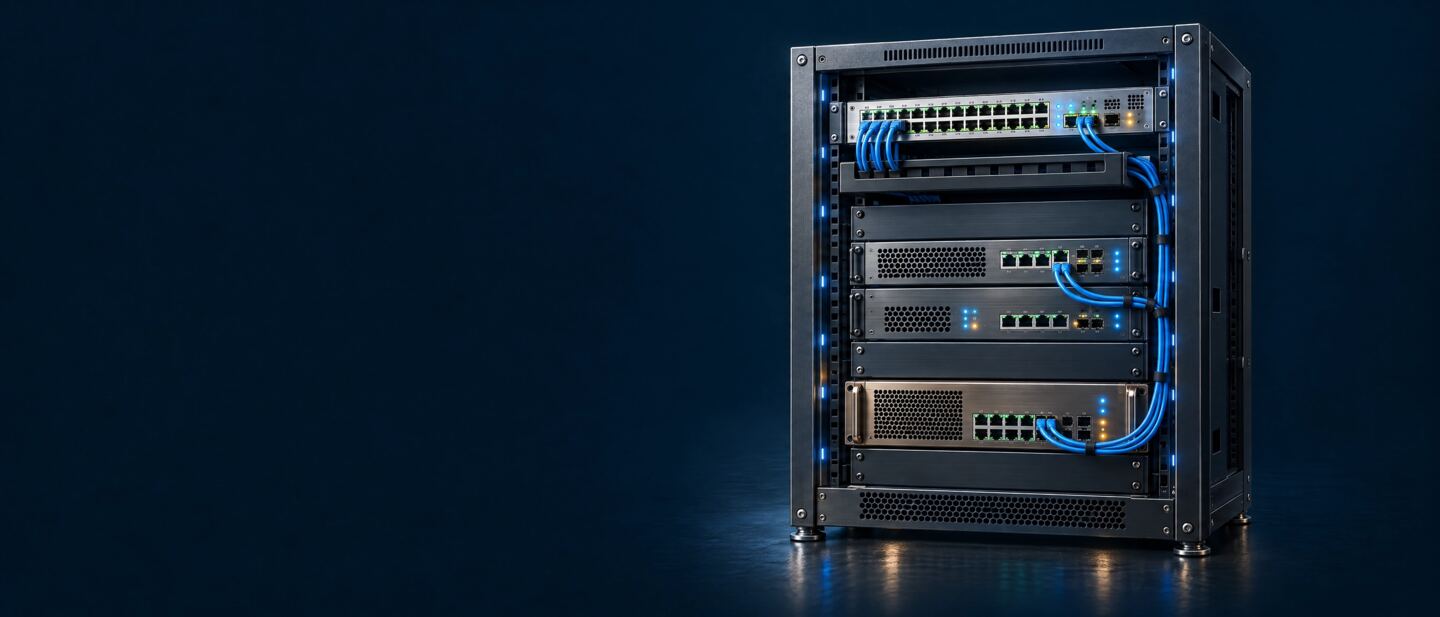
Deploy WarpEngine™ Where the Jitter Is

WarpEngine™ is a transparent, single-ended proxy. It drops into the network you already run — beside your servers, in your cloud, or at the branch — with no client or server changes and no rip-and-replace.

How WarpEngine Works

Every deployment works the same way: traffic passes through WarpEngine, which takes over the transport layer for those flows and leaves everything else alone.

  • Transparent. It sits inline as a transparent proxy, replacing standard transport-layer behavior for the flows that pass through it. Addresses, routing and applications stay as they are.
  • Single-ended. One WarpEngine improves the flows it carries; the far end needs nothing installed.
  • Payload untouched. It never reads or rewrites application data, so encrypted, unencrypted and compressed traffic all benefit.
  • Fail-safe. Edge and Telecom & Core appliances carry bypass network cards: if one loses power or restarts, traffic passes straight through, so WarpEngine never becomes a point of failure.
  • Works alongside what you have. SD-WAN, WAN optimization and application delivery controllers keep doing their jobs; WarpEngine fixes the transport layer underneath them.
  • Physical or virtual. Appliances in four families, or a VM or container on Linux KVM in a public or private cloud.

Four Deployments

Put WarpEngine where the jitter enters the path. Most networks start with one deployment and add a second where the last hop is Wi-Fi.

Beside the Servers

Install WarpEngine in front of your application servers in an in-house data center. Every flow leaving those servers runs under WarpRATE™ congestion control all the way to the user — across the internet, through the branch gateway and over the last-hop Wi-Fi — without touching the user’s side.

Telecom & Core and Edge editions →
In-house data center Branch office or remote user Internet Application servers WarpEngine™ Appliance WAN gateway Wi-Fi router Users
WarpEngine beside the servers

In the Cloud

Run a Virtual edition on Linux KVM next to your workloads in a public or private cloud. It also filters the jitter that virtualization itself adds — VM crosstalk and hypervisor scheduling — before traffic leaves for your users. Virtual editions are sized by users, each with a minimum vCPU count.

Virtual editions →
Public or private cloud Branch office or remote user Internet Cloud servers WarpEngine™ Virtual edition WAN gateway Wi-Fi router Users
Virtual edition in the cloud

At the Branch, Before the Wi-Fi

Place an Office & Campus appliance between the WAN gateway and the Wi-Fi router. It takes the jitter out of the local Wi-Fi — interference, fading and sudden surges of users — for branch offices, hotels, restaurants, cafés and small businesses.

Office & Campus editions →
Data center or cloud Branch office, hotel, restaurant or café Internet Application servers WAN gateway WarpEngine™ Office & Campus Wi-Fi router Users
At the branch, before the Wi-Fi

At Both Ends

Combine the two: WarpEngine beside the servers or in the cloud for the wide-area path, and an Office & Campus appliance at a remote branch for its Wi-Fi. Each end is independent — add the second whenever a branch needs it.

Compare editions →
Data center or cloud Remote branch office Internet Application servers WarpEngine™ Appliance or Virtual WAN gateway WarpEngine™ Office & Campus Wi-Fi router Users
Both ends: data center and branch

Provisioning

Every edition runs the same WarpEngine software. Provision by deployment — the family that suits where it goes — and by the number of users it serves.

Family Deployment Editions Users
Virtual Public or private cloud, private KVM hosts, or isolated on a WarpEngine appliance 100-VM, 1k-VM, 10k-VM 100–10,000
Telecom & Core Carrier sites from cell site to central office, and the data-center core 1k-R, 10k-R, 100k-R 1,000–100,000
Edge Branch, campus and regional sites; rugged builds for vehicles and the field 1k, 1k-RM, 10k, 10k-RM 1,000–10,000
Office & Campus Office internet links and branch Wi-Fi, up to campus networks 10, 100, 500 10–500

Deployment FAQ

Do clients or servers need any changes?
No. WarpEngine is a transparent proxy: applications, operating systems and devices at both ends stay exactly as they are.
Do I need WarpEngine at both ends of the path?
No. WarpEngine is single-ended: one appliance or virtual edition improves the flows it carries. A second one at a branch adds Wi-Fi jitter filtering there.
Does it work with encrypted traffic?
Yes. WarpEngine never reads or rewrites the payload, so encrypted traffic such as TLS benefits just as much as unencrypted or compressed traffic.
What happens if WarpEngine fails or restarts?
Edge and Telecom & Core appliances use fail-safe bypass network cards: if the appliance loses power or restarts, traffic passes straight through, so WarpEngine never becomes a point of failure.
Does it replace SD-WAN or WAN optimization?
No. It works alongside SD-WAN, WAN optimization and application delivery controllers, and fixes the transport-layer behavior they do not change.
Can I run WarpEngine in my own cloud?
Yes. Virtual editions run as a VM or container on Linux KVM in a public or private cloud, sized by users with a minimum vCPU count, and licensed as a per-user subscription.
How do I provision it?
By the number of users the deployment serves: editions range from 10 users for a small office to 100,000 for a telecom or data-center core.